





Life Tag Duo
English
Disabling the "Life Tag Duo"
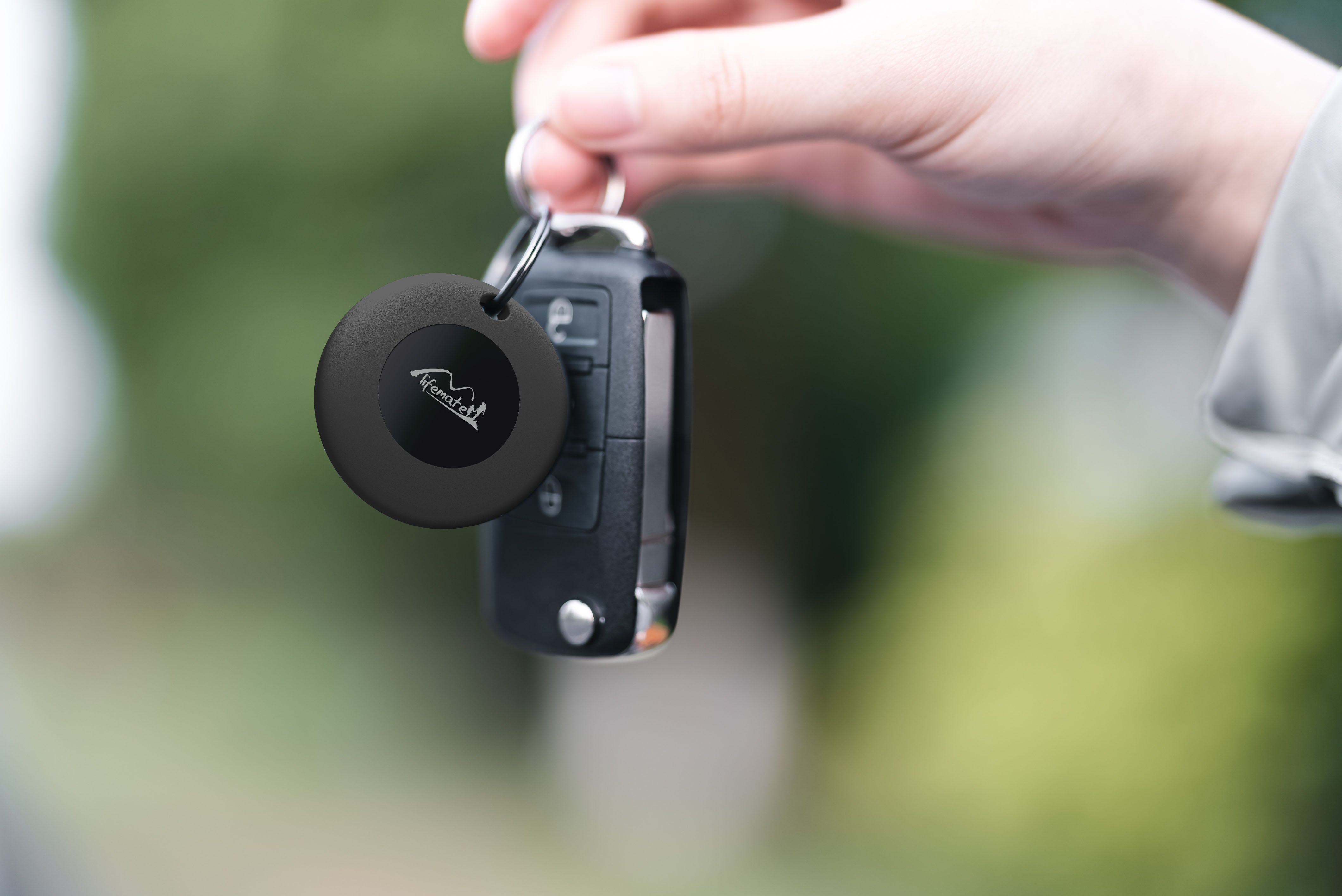
The " Life Tag Duo " can be disabled to stop it from sharing its location. Once disabled, it will no longer report to Google’s Find Hub network or Apple’s Find My network, and the owner will no longer receive updates on its current location. It will also stop triggering unknown tracker alerts. If you receive a notification on your Android or iOS device indicating that a " Life Tag Duo " has been detected nearby and you are unfamiliar with this device, you can make it ring through the system notification. After locating the device, follow the steps below to disable it.
Disable via Button Press:
Locate the button on your " Life Tag Duo ".
Press the button for 5 seconds firmly to hear a two short beeps will sound.
Release the button when you hear two short beeps. the " Life Tag Duo " will confirming it is disabled.
Disable via Battery Removal:
Use your fingernail or a small tool to open the device from the gap on the side of the " Life Tag Duo ".
Carefully remove the battery.
Close the " Life Tag Duo " by aligning the top holes on both lids.
Re-enable the " Life Tag Duo ":
To re-enable the " Life Tag Duo ", either press the button or reinstall the battery.
Press the Button: Press the button once. When re-enabled, you will hear a beep will sound.
Replace the Battery: If you removed the battery, place a new CR2032 coin battery inside with the positive side up, and close the device.
Factory Reset and Pairing:
To reset the " Life Tag Duo " to factory settings, press the " Life Tag Duo " button 6 times rapidly, and when you hear a long beep, the device will be reset., release the button. After resetting, you can pair the " Life Tag Duo " with a new Google or Apple account.