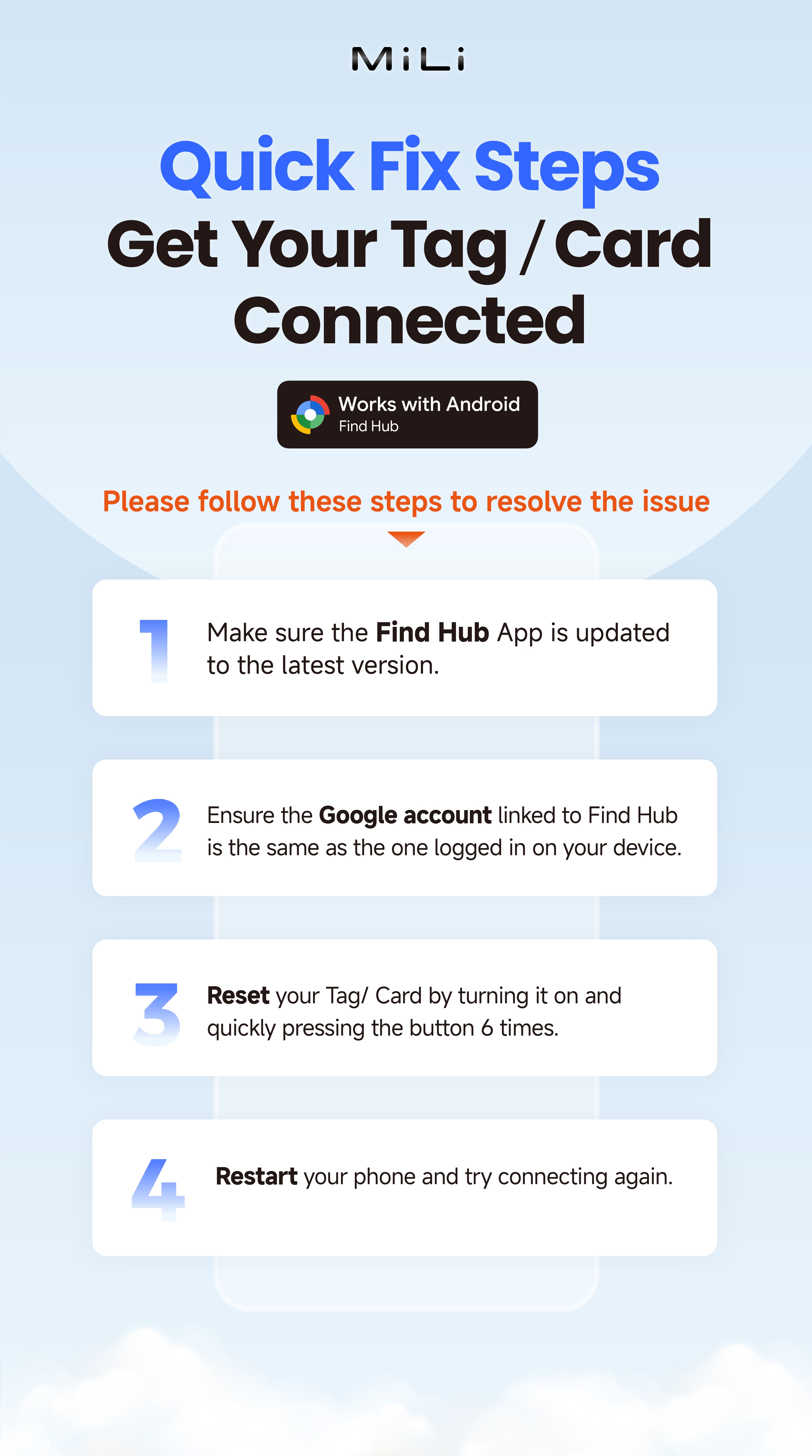





How to use - Android Devices

Turn on Bluetooth, Location, and your internet connection, then download and open Google’s Find Hub app.

Press the button once to turn on LiTag Duo (a beep will sound).

Close to your Android device, pop-up to show LiTag Duo, Tap "Connect" to complete the pairing. (Note: If no pop-up appears, please restart your phone and try again).