



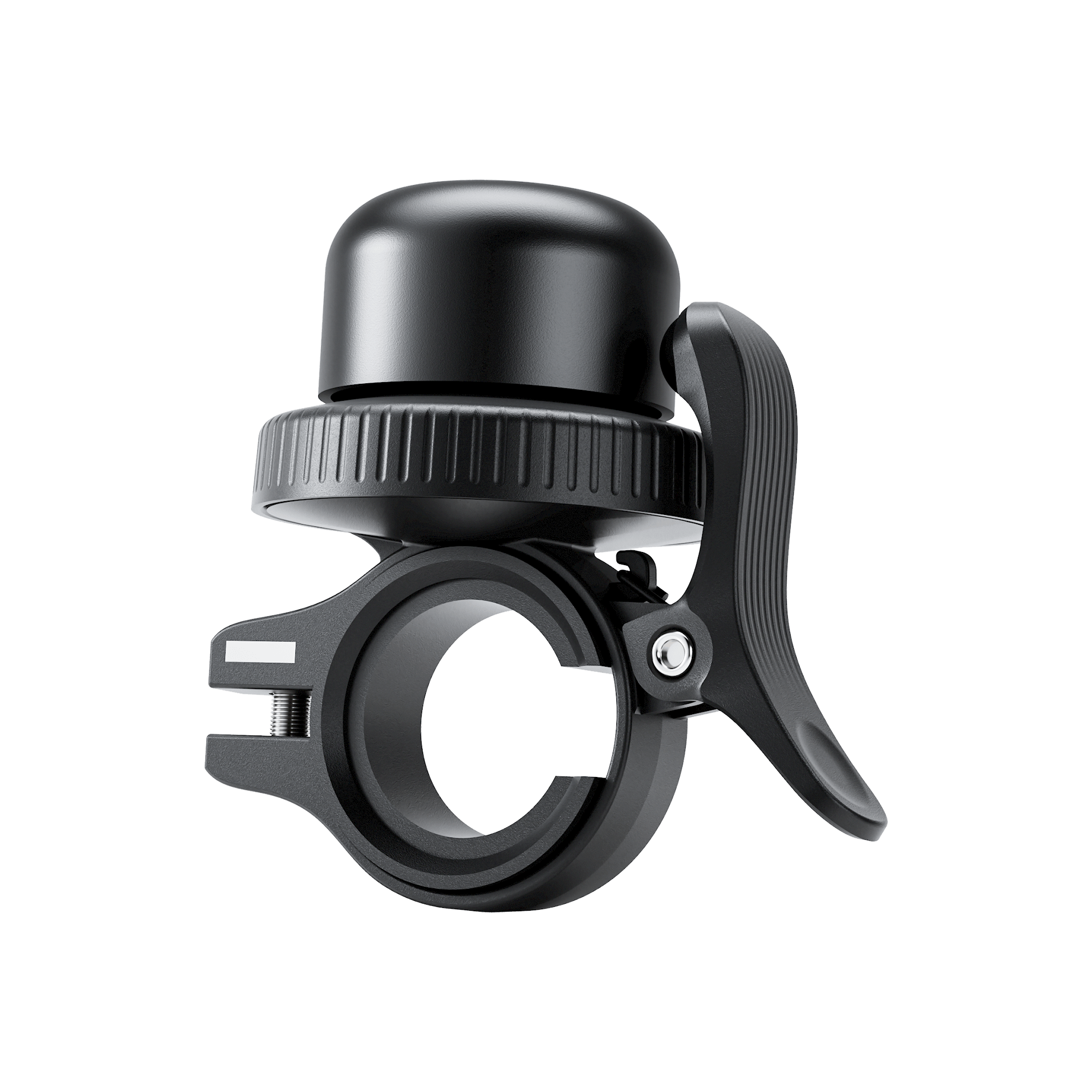


K-WATCH User Manual
Applicable models name
MiLi K-WATCH
How to Disable
1. Locate the button on the bottom of the accessory.
2. Press and hold the button for five seconds.
3. Two confirmation beeps will sound.
How to re-enable
1. Locate the button on the bottom of the accessory.
2. Single-Press the button.
3. A confirmation beep will sound.
How to enter identification mode
1. Locate the button on the bottom of the accessory.
2. Press the button twice.
3. A confirmation beep will sound.